
MileTrack Blog
Everlance Alternative 2026: Unlimited Automatic Trips, Free
Thirty automatic trips is about a week for anyone who drives for work. What Everlance's plans cost, where it is still the better buy, and what a free on-device alternative gives up.
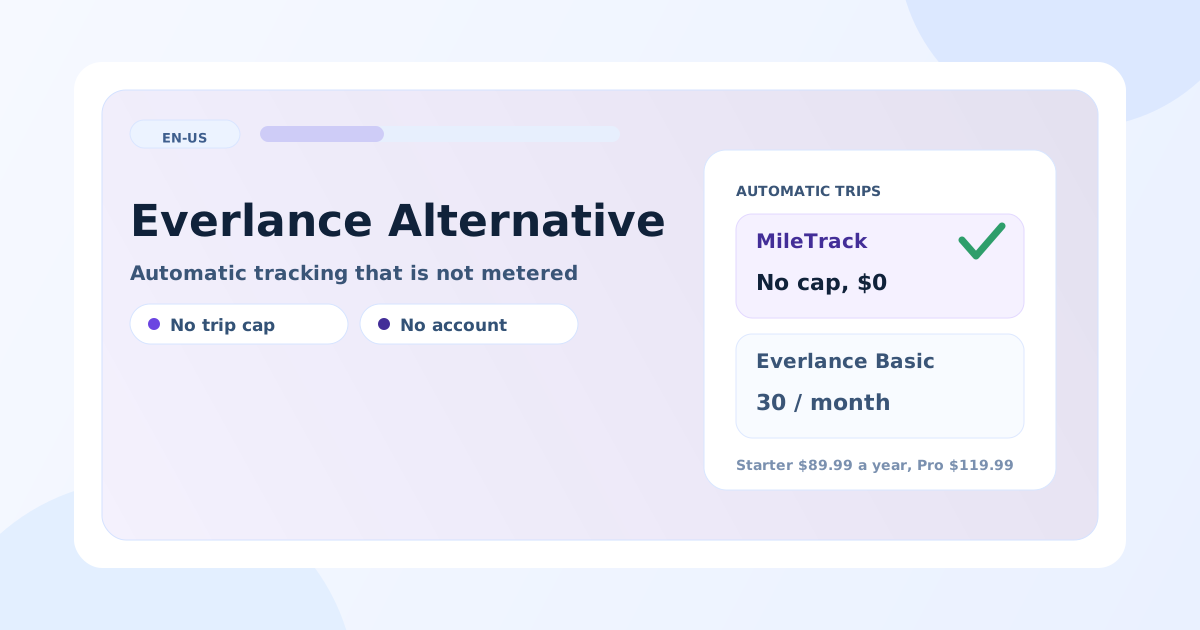
Everlance’s free plan automatically tracks 30 trips a month; lifting that costs $89.99 a year on Starter or $119.99 on Professional (Everlance’s own pricing page, 9 November 2026). For a contractor making three round trips a day, thirty automatic trips is the first working week of the month — after which the app keeps offering unlimited manual entry, which is the feature you installed an automatic tracker to avoid.
Full disclosure before the comparison: MileTrack is our product. That is exactly why this page also states where Everlance is the better buy — and if mileage is only one line in a bigger self-employment picture, it probably is.
What each one costs
| MileTrack | Everlance | |
|---|---|---|
| Automatic trips on the free plan | No cap | 30 a month |
| Manual entry on the free plan | Unlimited | Unlimited |
| Paid plans | None | Starter $89.99/yr ($10.99/mo); Professional $119.99/yr ($19.99/mo) |
| Free-tier exports | PDF, CSV and XLSX | CSV; Excel and PDF on paid plans |
| Account required | No | Yes |
| Trip history | On the iPhone | Everlance’s servers, with a web dashboard |
| App Store privacy label | Data Not Linked to You: Location, Identifiers, Usage Data | Data Linked to You incl. location, financial info, contact info, user content — plus tracking across other companies’ apps |
| Expenses and income | No | Yes |
| Tax filing and audit defense | No | Yes, on Professional |
| Platform | iPhone only | iOS, Android, web |
| US App Store ratings | A handful | 53,423, averaging 4.83 |
Where Everlance is the better buy
- Mileage is one line of several. Everlance tracks expenses and income next to the drives and files the return on Professional. Two apps and a spreadsheet is a worse answer than one app, if that is the job.
- An employer reimburses you. Everlance runs cents-per-mile and FAVR programs on the company side, which a single-driver app cannot replace.
- You want audit defense attached to the subscription. Professional includes it; MileTrack sells nothing, so it insures nothing.
- Android, or a browser. MileTrack is iPhone-only for now.
- A long public track record. 53,423 US ratings at 4.83 against our handful. That is a real argument and no feature table answers it.
Where MileTrack is the better buy
- The automatic part is not metered. No 30-trip wall, no month where detection stops and you are back to typing.
- The report is free. PDF, CSV and XLSX, with no paid tier between the drives and the document.
- There is no account, and no tracking. Everlance’s label declares your location linked to your identity and data used to track you across other companies’ apps; MileTrack asks for no account at all and declares neither. The labels side by side are in the no-account comparison.
- Business, commute and private are three separate things, which is what makes the commute question answerable rather than a guess.
- Retention does not follow a subscription, because there is no subscription.
Switching without losing the year
- Export from Everlance first. CSV is on the free plan; do it before you cancel, not after.
- Check the expense records separately. If you were using Everlance for receipts as well, those need their own home before you move.
- Note the odometer on the switch day so the two logs join without a gap.
- Run both for two weeks on real routes and compare what each captured.
- Keep both exports with your tax records for three years after you file — see how long to keep mileage records.
The honest summary
Everlance is a broad self-employment tool with a mileage tracker inside it, and the 30-trip cap is the lever that moves people onto $89.99 a year. If you need the expenses, the filing or the reimbursement programs, that is money well spent. If you need an uncapped automatic mileage log that exports for free and keeps your location on your own phone, that is MileTrack.
MileTrack is free on the App Store — no account, no card, no cap. The wider five-app comparison is in the best mileage tracker app for taxes, and the free-tier limits across the market are in free mileage tracker apps.
Tax note: this article is general orientation, not tax advice. Prices and labels verified 2026-11-09 — check the linked official pages before deciding.
Freshness note
Plans and prices read from Everlance's own pricing page on 2026-11-09; privacy labels and rating counts from each app's US App Store page the same day. Everlance changes plan contents periodically — check the linked page before deciding. MileTrack is our own product, which is why this comparison spells out where Everlance remains the better choice.
Official sources
Stop rebuilding your mileage log by hand
MileTrack detects your drives automatically, keeps business, commute, and private separate, and exports IRS-ready PDF, CSV, and XLSX. Free on iPhone, no account needed.
Every drive tracked automatically, free, with no account and no monthly cap.
Get MileTrack freeFAQ
Is there a free alternative to Everlance?
MileTrack tracks every drive automatically with no monthly cap and exports PDF, CSV and XLSX free, with no account and no card. The trade is scope: Everlance also handles expenses, income and tax filing, and MileTrack tracks mileage only.
How many free trips does Everlance allow?
Thirty automatically tracked trips a month on the free Basic plan, with unlimited manual entry, as published on Everlance's pricing page on 9 November 2026. Manual entry is the part that keeps working after the cap, which means the log stays possible and stops being automatic.
What does Everlance cost?
Starter is $89.99 a year or $10.99 a month; Professional is $119.99 a year or $19.99 a month and adds automatic expense tracking, free tax filing and audit defense. Every plan includes a 7-day trial.
Does Everlance keep my location data private?
Everlance's own App Store privacy label declares health and fitness data, financial info, location, contact info, user content, identifiers, usage data, diagnostics and other data as linked to your identity, and contact info, identifiers and usage data as used to track you across apps and websites owned by other companies. MileTrack declares location, identifiers and usage data as not linked to your identity and no tracking at all.