
MileTrack Blog
Mileage Tracker With No Account: Journey Data That Stays on Your iPhone
An account is the dividing line: it is what moves your journey history to a vendor server and ties its retention to a subscription. The five App Store privacy labels, side by side.
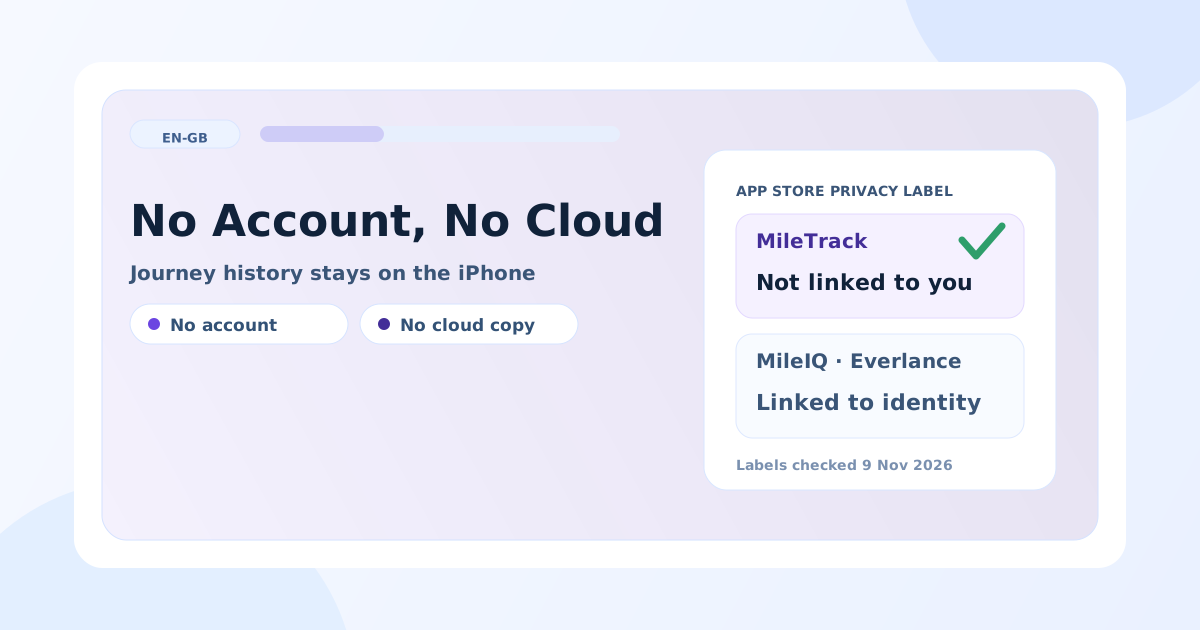
Two of the five best-known iPhone mileage trackers declare “Data Not Linked to You” on their App Store privacy label; the other three declare your location, contact info and identifiers linked to your identity, and two of those also declare data used to track you across other companies’ apps. That is the whole decision, and Apple publishes it for free on every app’s page.
The word the market hides it behind is “account”. An account is not a convenience feature — it is the mechanism that moves your journey history onto a vendor’s server, ties its retention to whether you are still paying, and makes a privacy label say “linked to your identity”. This page compares what the five apps declare, what MileTrack gives up by asking for no account at all, and how to check any other app yourself in two minutes.
What the App Store privacy labels say
Apple requires every developer to declare which data the app collects and whether it is linked to your identity. These are the five labels as published on 9 November 2026:
| App | Privacy label category | What is declared | Tracking across other companies’ apps |
|---|---|---|---|
| MileTrack | Data Not Linked to You | Location, Identifiers, Usage Data | None declared |
| TripLog | Data Not Linked to You | Identifiers, Usage Data, Diagnostics | None declared |
| Driversnote | Data Linked to You | Health & Fitness, Location, Contact Info, Identifiers, Usage Data, Diagnostics | None declared |
| MileIQ | Data Linked to You | Financial Info, Location, Contact Info, User Content, Identifiers, Usage Data, Diagnostics | Yes — Usage Data |
| Everlance | Data Linked to You | Health & Fitness, Financial Info, Location, Contact Info, User Content, Identifiers, Usage Data, Diagnostics, Other Data | Yes — Contact Info, Identifiers, Usage Data |
Two things are worth reading twice. Location linked to identity is the one that matters for a mileage app: a list of every place you stopped, attached to your name and email address. And a label is the developer’s own declaration, not an audit — it is evidence, not proof.
The download sizes line up with the same split: MileTrack is 39.9 MB, TripLog 149.2 MB, Driversnote 113.1 MB and Everlance 195.1 MB. An app that does not carry an account system, a web client and an analytics stack is a smaller app.
Why the account is the dividing line
A cloud account buys four things, and costs four others.
What it buys: a copy of your log if the phone is lost, the same log on a second device, a browser window for bulk editing, and an admin view if your employer needs your mileage.
What it costs:
- Retention follows the subscription. When the paid plan lapses, five years of records sit on someone else’s server under someone else’s terms. Export before you cancel, not after.
- Location joins your identity. That is what three of the five labels above declare.
- An export can sit behind a paywall. Recording is the cheap part for a vendor; retrieving a finished report is the part worth charging for. Free mileage tracker apps in the UK goes through where each free tier actually draws the line.
- A second party holds the evidence. For an HMRC enquiry that is neutral; for a client list it may not be.
Free-tier caps and prices, checked the same day
The privacy split and the price split are not the same split, so here are both:
| App | Free tier | Paid plan | Account required |
|---|---|---|---|
| MileTrack | Unlimited automatic journeys, unlimited PDF, CSV and XLSX exports | None — free in the current beta, and that it stays free is not promised | No |
| Driversnote | Reporting for up to 15 journeys a month | £8 a month; iBeacon included with an annual plan (£33 value) | Yes |
| MileIQ | 40 drives per month | $11.66 a month billed annually ($139.92 a year) | Yes |
| Everlance | 30 automatically tracked trips a month, unlimited manual | $89.99 a year (Starter) or $119.99 a year (Professional) | Yes |
| TripLog | Free-forever tier; unlimited reporting is paid | $4.99 a month billed annually ($59.99); 7-day pass also sold | Yes |
What still leaves the phone, honestly
“On-device” is a claim worth testing rather than trusting, including ours. With MileTrack:
- Journey detection and the journey database are on the iPhone. Nothing is hosted on MileTrack servers in the current beta.
- Apple’s mapping services are reached in real time when you explicitly search an address, preview a route, move a pin, use Look Around or open a map view. Those are requests you make, not a background upload.
- Your own iPhone backup is still a backup. If iCloud Backup is on, the app’s data is in it, under Apple’s terms, not ours.
- There is no sync. Two phones means two separate logs. Moving to a new phone means an iPhone backup restore, and the safe habit is a quarterly export either way.
Where the others still win
- Android and the web. MileTrack is iPhone-only for now; all four competitors run on Android, and three have a browser dashboard.
- Teams. MileIQ for Teams, Everlance and TripLog collect logs across employees and reimburse from them. MileTrack does not attempt it.
- Shared vehicles. Driversnote’s iBeacon ties detection to a specific car, which genuinely helps when two drivers share one vehicle.
- Accounting integrations. TripLog publishes the widest list — QuickBooks Online, SAP Concur, ADP and more. MileTrack exports a file and leaves the import to you.
- A long rating history. MileIQ has over 115,000 ratings, Everlance over 53,000, Driversnote over 39,000, TripLog over 4,700. MileTrack has a handful. If a long public track record is what you need, that is an honest reason to pick one of them.
How to check any mileage app in two minutes
- Open its App Store page and scroll to App Privacy. If the label says location is linked to your identity, the log is on a server with your name on it.
- Install it and watch the first screen. If it asks for an email before it will record anything, your journeys are going somewhere.
- Try one export before paying. If the PDF or CSV is paywalled, the free tier is a recording service, not a mileage log.
- Put the phone in airplane mode and drive. An app that detects nothing without a network is doing the detection on a server.
Does HMRC care where the log lives?
No. What HMRC wants is one dated row per business journey — date, route, mileage, purpose — with the Approved Mileage Allowance Payment rates applied correctly: 55p for the first 10,000 business miles of the tax year and 25p after that. Storage location is not a requirement. The rule that does bite is retention: GOV.UK expects business records kept for at least five years after the 31 January Self Assessment deadline, which HMRC mileage logbook rules works through year by year. For the fields the export must carry, see what counts as business mileage.
MileTrack is free on the App Store — no account, no card, journey history on the iPhone. For the wider comparison including paid apps, see the best mileage tracker app in the UK, and for the Driversnote free cap specifically, the Driversnote alternative guide.
Tax note: this article is general orientation, not tax advice. Privacy labels and prices verified 2026-11-09 — check the linked official pages before deciding.
Freshness note
Privacy labels read from each app's App Store page on 2026-11-09; free-tier caps and prices read from each vendor's own UK or US pricing page the same day. Labels are the developer's own declaration, not an audit, and vendors change both labels and plans — check the linked pages before deciding. MileTrack is our own product, which is why this comparison also states plainly what it gives up.
Official sources
Stop rebuilding your mileage log by hand
MileTrack detects your journeys automatically, lets you mark each one business or private, and exports HMRC-ready PDF, CSV, and XLSX. Free on iPhone, no account needed.
Automatic journey tracking with no account and no card — history stays on your iPhone.
Get MileTrack freeFAQ
Is there a mileage tracker app that works without an account?
Yes. MileTrack asks for no account, no email and no card — install it, grant motion and location permission, and the first journeys are detected automatically. Journey history, saved places, vehicles and reports stay on the iPhone, and the PDF, CSV and XLSX exports are free. The cost of that design is that there is no sync between devices and no web dashboard.
Which mileage tracker keeps my location data on the device?
MileTrack stores journey history on the iPhone by default and hosts none of it on its own servers in the current beta. On Apple's privacy labels it declares location, identifiers and usage data as "Data Not Linked to You". TripLog declares identifiers, usage data and diagnostics in the same category but requires an account, so the log itself does leave the phone.
Does HMRC require a mileage log to be stored online?
No. HMRC asks for records that show the date, mileage and business purpose of each journey, with the AMAP calculation applied correctly across the 10,000-mile split. Where the file sits is not part of the requirement — a PDF or spreadsheet exported from your phone and filed with the rest of your records is sufficient, provided you keep it for at least five years after the 31 January Self Assessment deadline.
Does a mileage tracker work without an internet connection?
Recording does. Journey detection on the iPhone runs on the phone's own motion and location sensors, so drives through a dead zone or in airplane mode are still captured. What needs a connection is turning coordinates into street names: addresses, route previews and map views reach Apple's mapping services when you ask for them, and fill in later if you were offline.
What do I give up by choosing a tracker with no account?
Four things, and they are real. No sync to a second phone, tablet or laptop. No web dashboard for bulk editing. No admin collecting logs across a team. And no vendor-side copy: if the phone is lost and you have no backup, the log is gone, so export at least once a quarter.